Greta Thomas
Game Programming


Tech Lead- Set in Stone (In Production)
Engine: Unreal Engine
Team Size: 50+ person team. Year-long game studio class
Timeline: Sep 2025 - current
Blurb:Set in Stone is a cooperative caveman hoard-defense game where players must band together and protect their bonfire with nothing but sticks and rocks.
Responsibilities:
-
Leading gameplay systems development, technical scoping, and troubleshooting.
-
Developing and documenting SCAD's standard pipeline for creating and maintaining multiplayer games in Unreal Engine.
-
Communicating with Design and Art teams to create tools to enhance workflows.
-
On-boarding tech team to engine systems like the Gameplay Ability System, behavior trees, and control rigs.
-
Managing Perforce, On-boarding artists to revision control.
-
Coordinating Agile Scrum workflows with sprint planning and daily standups.

What I am Learning:
I spent my sophomore year preparing to lead tech for this STEC class in my junior year.
It is my first time leading a team of this size. I have learned much from my peers' processes and about what strategies work for our team.
-
How to self-organize a 50+ person team: Holding daily standups, hosting work sessions, and setting deadlines outside of class.
-
How to maintain open lines of communication with design and art teams
-
How to organize a project for ease of use for the whole team

Team Photo: End of Quarter 1
Systems Built:
Modular item system
(using the Lyra project and Dead Rising as a guide):
I had a predicament. Designers needed tools to configure items in our game, but items that did different things needed different "fragments" of data to configure. Items you threw needed "throw" settings on top of their base data. Items that exploded needed "explosion" settings. I wasn't sure how I could clump them all into one easy-to-use data asset.

I started by researching another game that did something similar: Dead Rising. Dead Rising is a hoard survival game that encourages the player to use items in their environment (a mall) as unconventional tools and weapons, so I figured it was a perfect reference for a caveman swarm game. I wanted to know how they categorized all of their items and stored their information.
Luckily, Dead Rising has an active modding community that made the code available on a wayback-ed version of their forum pages. I screenshot the stats for different items and highlighted the variables that items had in common:
-
Equipment logic
-
Player animation state when holding the object
-
Player effects when holding the object (weight, etc)
-
Attachment points to the player's mesh.
-
-
Projectile weapon logic
-
Melee weapon logic


Dead Rising's item stats. I Highlighted the variables items had in common.
Lyra and item fragments:
I knew I needed to chunk item data into categories, but I still didn't know how to add those categories to Data assets in Unreal Engine. I was used to working with structs or basic object classes, but those could not be added and configured the way we needed.
I thought the system was hopeless before discovering this Unreal Engine Lyra project tech talk.
The Lyra project uses special C++ objects called "Fragments" that can be added to a Data Asset and then configured. This was exactly what I was looking for! I downloaded the Lyra source files to see how they were made with the help of This blog covering Lyra's systems.
Final object system documentation for the design team. I outlined each variable that designers can tweak and what they do.
New Pipelines Developed:
Starting with C++
SCAD student projects normally avoid C++ to make the backend as accessible as possible for the whole team. We needed to use C++ on this project to use GAS and build designer tools.
My responsibilities Involve:
-
Onboarding team onto GAS systems
-
Onboarding team onto building C++ project files with Visual Studio
-
maintaining C++ files over perforce.
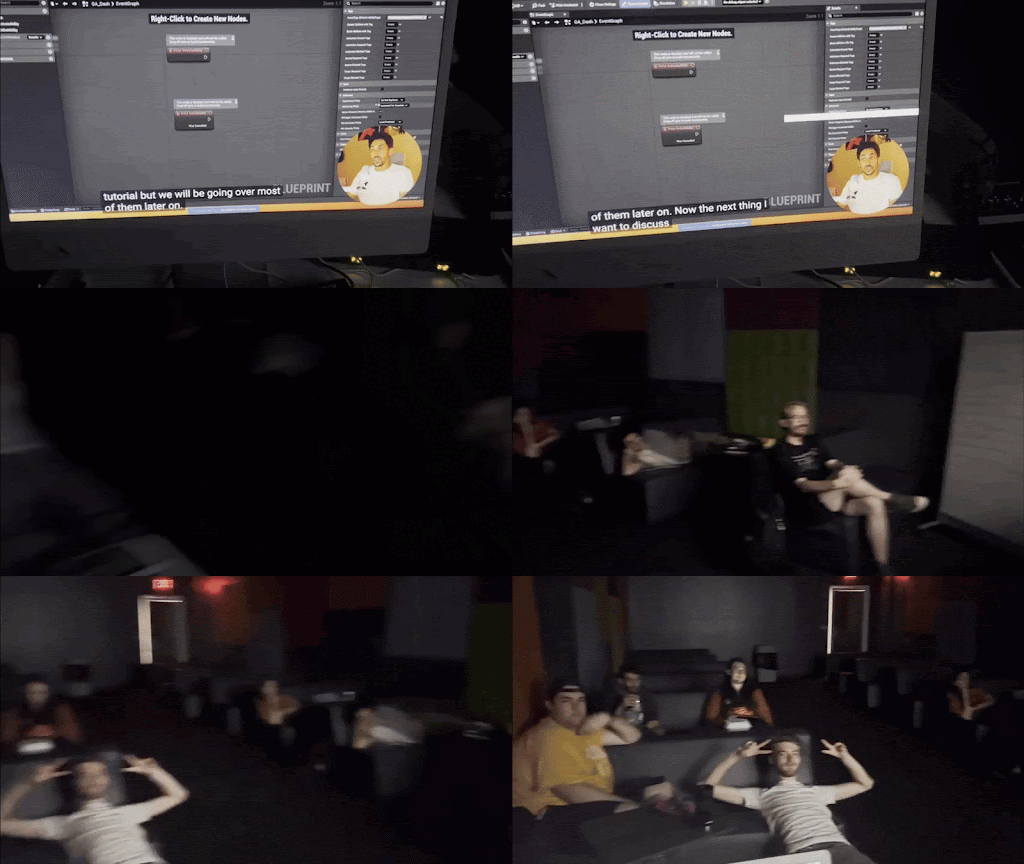
Unreal Engine GAS tutorial team screening

Perforce with C++ Onboarding video for the team
Challenges and solutions working with Multiplayer in Unreal Engine 5.6 and 5.7
We are building Set in Stone to run on Steam, and are using the Steam Advanced Sessions plugin to handle Steam connections. The problem is that Unreal Engine's Steam support has been out of date since version 5.4, which was causing frequent crashes and failure to connect in game. Our school computers stay updated to the latest Unreal Engine version, so we built our project in 5.6 before realizing the complications.
Here were our initial problems connecting reliably to Steam sessions, and our solutions:
-
Problem: "Find game" is unable to find any nearby Steam sessions after the correct net driver is installed.
-
Solution: Added the ability to invite steam friends to a session, and switched over to this "invite only" model exclusively.
-
Problem: Updated engine configs were still not allowing us to create Steam sessions.
-
Solution: We joined the discord of the Steam Advanced Sessions creator to get the most up-to-date engine configurations.
-
Problem: Steam Sockets cannot create listen socket during non-seamless server travel.
-
Solution: We set our project up to use seamless server travel, creating an empty "travel" level.
-
Problem: The game crashes every time a player leaves an online session.
-
Solution: Combed through crash logs to find the exact error, In the defaultengine.ini file, I added a manual wait time for disconnects to the steam net driver.
Animation Pipeline
The tech team is responsible for implementing animations, which means we need to know what exact animations we need.
Ways I managed the animation pipeline:
-
Creating asset naming convention
-
Sorted and prioritized animations needed
-
Assigned weekly animation tasks
-
Reached out to animators and riggers, managed extra help.
-
Compiled references of specific animations, angles, timing
-
Specified animation constraints
-
What bones the animation will effect
-
Length of each animation
-
How each animation will blend on the character or transition out.
-
Whether the animation should loop
-
Whether the animation is first or third person
-
Timing of cues fired off during the animations
-

Full player animation asset list start of quarter 2

Detailed animation asset breakdowns
Social Media and Marketing:
Our goal with this project is to reach people and get them to play our game. This involves promotion.
In addition to my tech tasks, I have assisted in our social media strategy by:
-
doing market research
-
Scripting videos
-
Recording voiceover
-
Experimenting with our video pipeline
-
Giving final feedback to edited videos
Me vamping way too hard

I created a spreadsheet dissecting successful creators in our niche

I wrote a video template based on successful devlogs online and use it to write scripts.
I Experimented with Capcut as a viable option in our video pipeline.